R.E.P.O. v0.5.2 adds an object shadow setting and fixes a Love Potion crash
R.E.P.O. v0.5.2 adds a graphics setting to turn off small-object shadows, trims some sounds, tweaks Desert valuables and fixes a Love Potion crash.
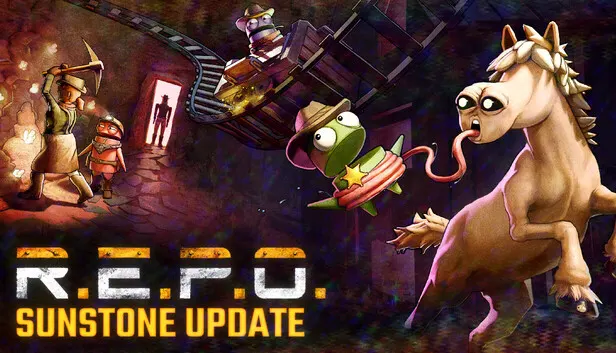
Semiwork has released R.E.P.O. v0.5.2, a small update with fixes for the latest content update. The headline addition is a new graphics option aimed at the new map, plus a long list of bug fixes, including one for a crash.
New
- Object Shadow Quality: a new graphics setting disables shadows cast by smaller objects. Semiwork suggests trying it if you’re getting performance issues on the new map.
Changes
- The video overlay effect is slightly weaker.
- Some Minecart sounds are quieter, and so is the Halloween version of the Enemy Gnomes.
- An extraction in progress at the shop now delays leaving instead of blocking it.
- Save file backups are now capped at 3 per save to cut down on unnecessary Steam Cloud usage. Cosmetic data backups go up from 1 to 3.
- A dedicated Cyrillic font has been added.
Balancing
- Desert valuables: the Rocking Chair and Fluffy Buddy are worth more, while the Lunch Box is worth less.
Fixes
Crashes and performance
- The Love Potion no longer sometimes crashes the game.
- The game no longer sometimes hangs on startup for some players.
- Large FPS drops with a very high polling rate mouse are fixed.
- Performance is improved in Sunstone Valley Resort.
Gameplay
- You can pull items away from the Rugrat at high FPS again.
- The Human Gun now tips over when out of ammo.
- Drones can no longer attach to breakable floors and walls.
- The low battery warning now works for items that missed it.
- The Museum Baby Head cries the first time it’s triggered.
- The Wizard Fortune Card now has collision.
- Replacement valuables now spawn if one was destroyed while its price was being checked.
- Items are no longer sometimes missed at the shop extraction point.
- Various room issues are fixed.
Menus and display
- Windowed and fullscreen modes now work correctly on multi-monitor setups with different resolutions.
- Long inventory keybind labels no longer overflow.
- Long level names are no longer cut off on the loading screen in some languages.
- Cyrillic text is formatted consistently.
- Cosmetic icons stay cached, and the cosmetic token UI no longer sometimes appears when shaking the camera.
- Menu button hover sounds no longer play when the game isn’t focused.